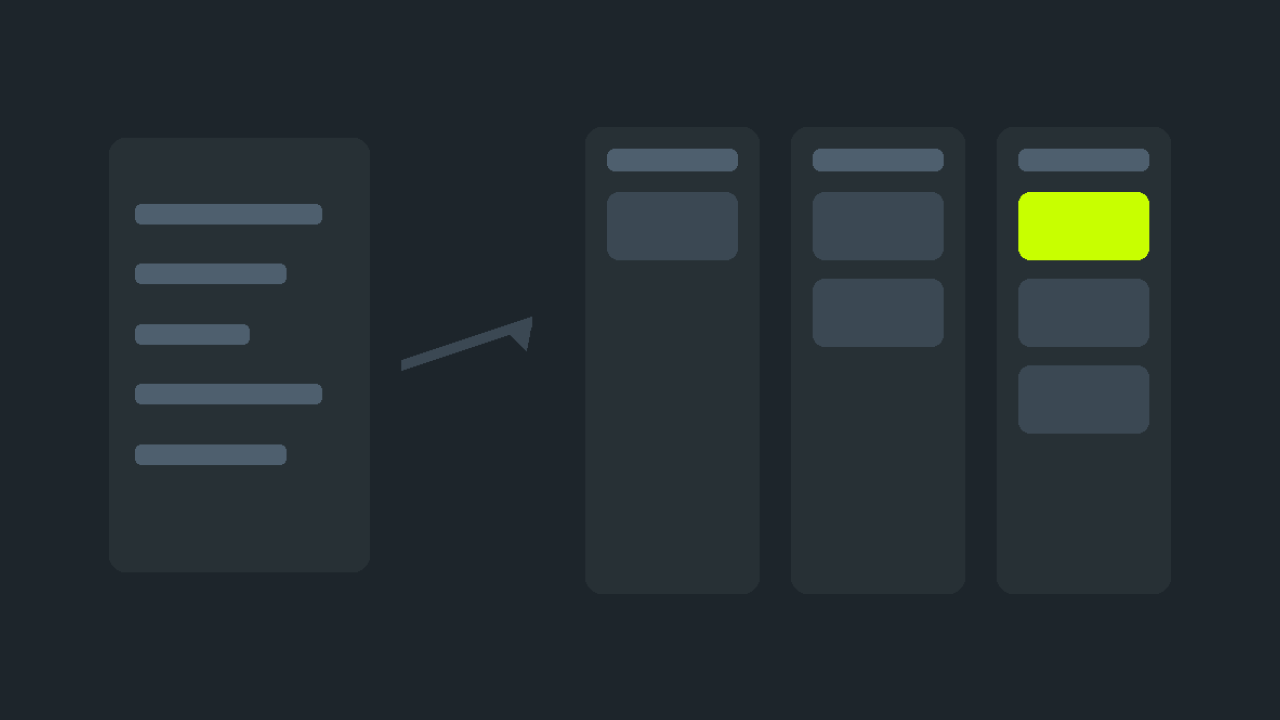
A client's brief is not a technical specification. It is a description of a problem by someone who is not obliged to know how the platform works. Your job starts with turning it into something you can price without being wrong.
Step 1. Read the task, not the wish list
First find the answers to three questions in the brief: what is wrong now, what should be there instead, and where exactly it lives. If any answer is missing, get it before the offer, not after.
«Goals» and «Scope» often contradict each other: goals say «raise conversion», scope says «migrate products». That is not a client error, it is the normal state of a live brief. Your advantage is spotting the contradiction first and asking.
Read «Constraints» separately. That is where the thing that turns an easy job into a hard one usually hides: do not break existing addresses, do not touch the current design, stay within the current hosting.
Step 2. Break the scope into checkable items
Every scope line should be one where acceptance can answer «done» or «not done». Wording like «make it convenient» has to be rewritten together with the client — otherwise acceptance turns into an argument about taste.
Pay particular attention to phrases containing «just»: «just migrate the products», «just add a block». Almost always they hide something the brief does not mention: variants that used to be options, old addresses that must survive, analytics that has to keep counting.
Step 3. Estimate honestly and say the number
The brief's budget is the client's guide, not your ceiling. If the real estimate is higher, write exactly that in the offer: «the budget needs to grow; without design this comes to about thirty hours». That is normal practice, and the client is free to accept or decline it.
What to include besides the work itself:
- migrating and verifying what already works — this is almost never in the brief;
- backwards compatibility of addresses, if the store is already indexed;
- time for acceptance and the fixes that follow it.
An offer on an open brief locks the order to you the moment the client accepts it. Until then you have no access to the site — and that is by design.
Step 4. Keep the work inside the order
The order has a chat — use it rather than a messenger. The reason is practical: anything agreed in the order chat stays attached to the task and is available to both sides at acceptance. An agreement in a private messenger counts for nothing there.
If the work is long, split it into milestones. The client approves each one separately and you get part of the money without waiting for the end. It is good for them too: they see progress instead of a month of silence.
Step 5. Acceptance
The money sits in escrow and reaches you only after the client accepts the work. So make acceptance easy to perform:
- walk the scope list and show each item;
- state separately what you did beyond the brief and what you deliberately did not do;
- do not leave «small things for later» without written agreement — they will surface at acceptance.
What not to do
- Start before the offer is accepted. Until the order is in progress you have neither access nor a payment guarantee.
- Silently expand the scope. Work given away for free is not paid for, but it does create expectations for next time.
- Put custom code into the core. The permitted zones are configuration, public files, templates, custom folders and translations. Anything outside them is rejected by the build entirely, not partially.
- Promise a deadline without asking about constraints. Half of all overruns are not task complexity — they are questions nobody asked at the start.
If the brief is weak
A weak brief is not a reason to walk away — it is a reason to ask three or four questions in the chat before making an offer. Clients who answer usually stay predictable afterwards. Clients who do not answer are useful information too: better to learn that before escrow than at acceptance.