Modules and builds for your ecommerce platform.
Your code, your data.
Ready CMS builds, payment and shipping modules, developer services. Discover, pay with airy — and get it instantly.
Contribute if you like
Categories
All →Popular
All →


News
All →

Video
All →
Building an online store: do it yourself or hire it out
Building an online store does not start with picking a platform. It starts with an honest answer to one question: how much of the work are you willing to do yourself. That answer drives the budget, the timeline, and whether you will be able to change anything a year from now without outside help. Below are three realistic paths and what each actually costs.
Three paths, and none of them is "the right one"
Build it yourself. You download a ready-made build, put it on your own hosting and set up the catalogue. The software costs nothing; you pay for a domain and hosting. It takes an evening or two and a willingness to work through the settings — but nobody holds your hand, and equally nobody invoices you for changing a button colour.
Hire someone to set it up. Same build, but a developer does the work: migrating the catalogue, wiring up payments and shipping, theming it to your brand. You pay for hours rather than for a "licence to have a store", and the store stays yours.
Turnkey. The full cycle — design, content, launch. The most expensive path and the fastest one. It makes sense when your time costs more than the money.
What an online store actually costs
The honest answer: the software itself is zero. Real spending breaks into three parts, and none of them is a licence:
- Hosting and a domain — the unavoidable minimum.
- Labour — if you are not doing it yourself. This is the main line item, and it is one-off rather than monthly.
- Extensions — only the ones you genuinely need. The basic local integrations are free.
The specific figures depend on catalogue size and design requirements, so we are not going to write "a store for N". That number means nothing without your specification.
What already works out of the box
The expensive part of building a store is rarely the store — it is the integrations that get rebuilt from scratch every time. So they are already inside:
- Shipping: Nova Poshta, Ukrposhta, Meest — branch directories, selection at checkout, waybills and tracking.
- Payments: LiqPay and monobank, with webhook signature verification.
- Fiscalisation: receipt registration through a fiscal service.
- SEO: XML sitemap, structured data, clean URLs, faceted landing pages.
- AI visibility:
llms.txtand a machine-readable catalogue — so your products are visible to assistants, not only to people.
Everything else lives in the extensions catalogue: what only some stores need is bought separately rather than forced into the price for everyone.
Why this is not a rental
The common model on the market is a monthly fee for the mere existence of your store. You pay for years and still do not own it: the tariff goes up and you pay, you decide to leave and you take away little more than a product export.
Here it works differently: the licence is perpetual, the code and the database are yours, and the store runs on your hosting. We earn from extensions and services, not from holding your store on our servers.
That does not make it better for everyone. If you would rather never think about hosting or updates, a managed rental may suit you more — and that is a perfectly reasonable choice.
The objections we hear most
"I'll migrate and lose my search rankings." The risk is real, and it depends not on the platform but on whether URLs, redirects and data structure are preserved. So a migration needs a redirect plan, not a free weekend. If you already have traffic, that plan is where your preparation time should go.
"What if the project shuts down?" The build sits on your own disk and runs without our involvement. Updates come from the marketplace, but the store does not stop working without them.
Will an assistant find you, not just Google
More and more customers start not with a search engine but with a question to an assistant: "where can I buy X cheaper", "which store ships Y to my country". An assistant does not scroll your banner — it reads data. If your store gives machines nothing, it simply does not exist in that channel, however much traffic Google sends you.
The build covers this in two ways. llms.txt is a short orientation file at the root of the site: name, description, top categories, key faceted pages and policy documents. It does for AI roughly what robots.txt did for crawlers. And the MCP server gives an assistant structured access to the catalogue — search, product detail, categories, brands, facets. One detail matters for anyone who asks about security first: the tools are read-only, and an agent cannot write or change anything at all.
On top of that, JSON-LD markup is filled automatically from page data: price, availability, rating, breadcrumbs. It is the same source Google builds rich snippets from and an assistant builds an answer from. Technical detail is in the free build description, and a wider look at how the marketplace works is in the CommerCentr overview.
Where to start
The cheapest way to find out is not to read reviews but to put the free build on a test domain and see whether it covers what you need. If it does not, you have lost an evening. If it does, you can then decide whether to do the rest yourself or hand it to a developer.
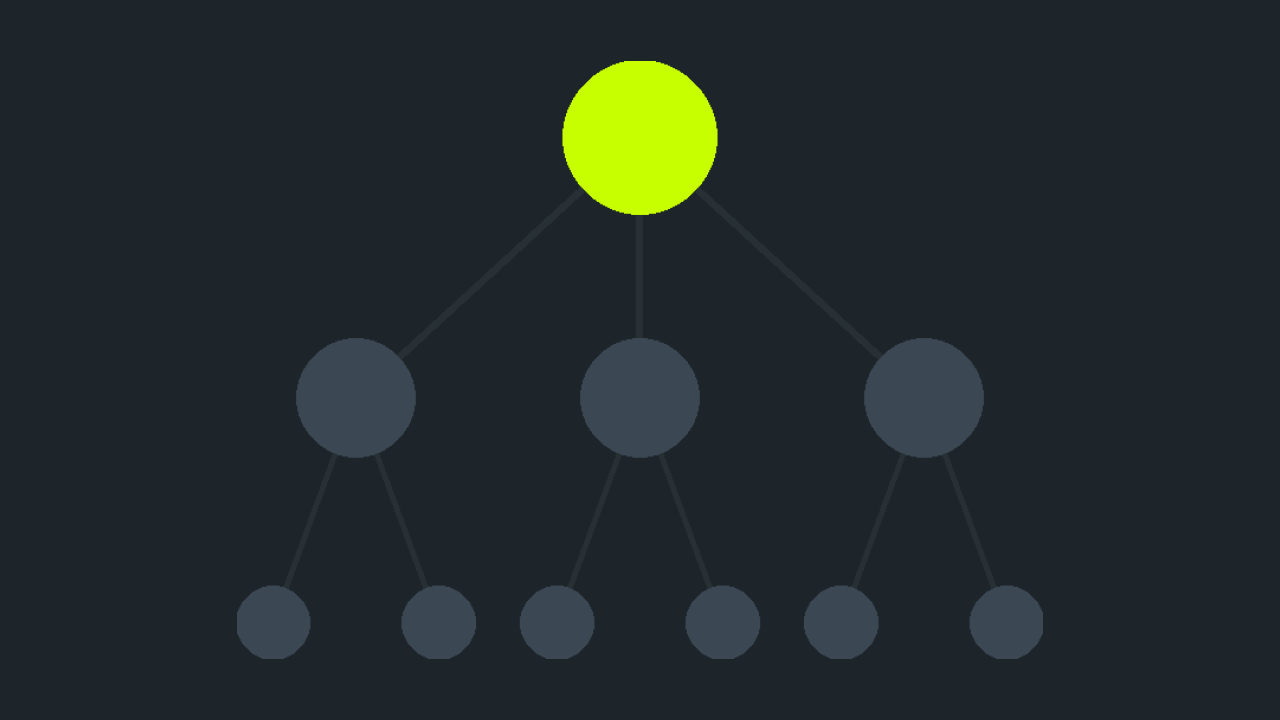
If you build stores for clients rather than yourself, we run partner program software of our own: a share of the marketplace commission on every purchase that comes through your recommendation, with no markup on your client.
Edition terms and limits are on the pricing page.