Product badges — labels on cards
By: CommerCentr
Marketing badges on product cards: "New", "-33%", your own labels. Manual assignment plus automatic rules. Pro adds scheduled display and custom SVG icons.
500≈ 500.00 ₴
Already in your library
Description
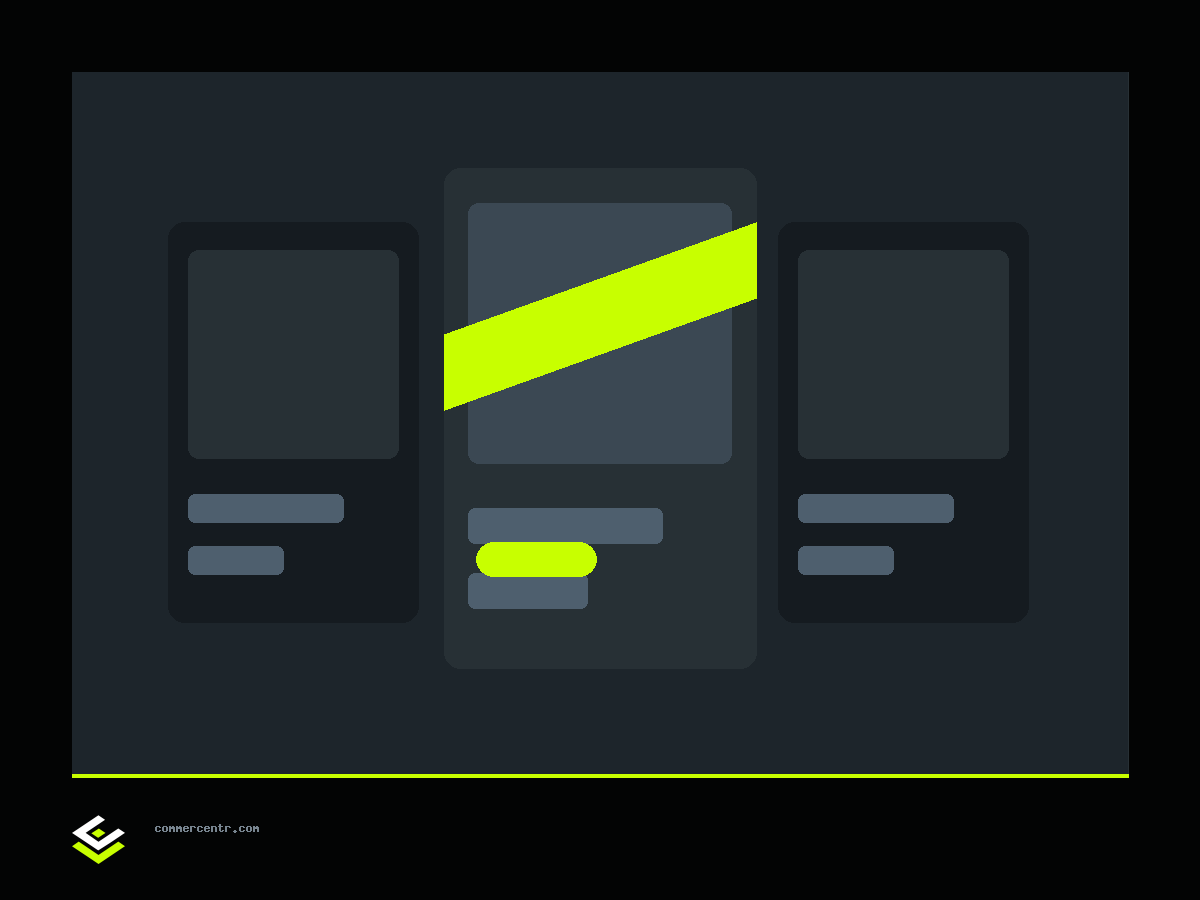
The product badge module adds coloured labels to product cards — "NEW", "-33%", "SPRING COLLECTION" or anything of your own. A small thing that visibly changes behaviour on a listing: the eye catches a label before it reads the title.
Two sources of display
A badge reaches a product two ways, and the engine merges them:
- Manual assignment — you attach a label to a specific product. This takes priority.
- An automatic rule — one per badge: by discount (sale), recency (new), category or manufacturer. Set the rule once and labels appear on their own as products come to match it.
What else the free version does
- A cap on badges per card, so a product does not turn into a Christmas tree.
- Icons from a standard set.
- Separate permissions for viewing, editing and deleting — through the host's role system, not all-or-nothing.
What Pro adds
Badges Pro — scheduling and custom icons:
- Display within a date window. A badge appears before a promotion starts and disappears by itself when it ends. That solves the classic case where "-50% UNTIL SUNDAY" hangs on the site two months later and quietly undermines every promotion you run afterwards.
- A custom SVG icon instead of one from the standard set.
Related marketing modules: "Buy 2 get 3" promotions and the trust bar, both in the marketing section. The base tier ships inside the Community build.
Reviews
No reviews yet — be the first.
Write a review
Your rating